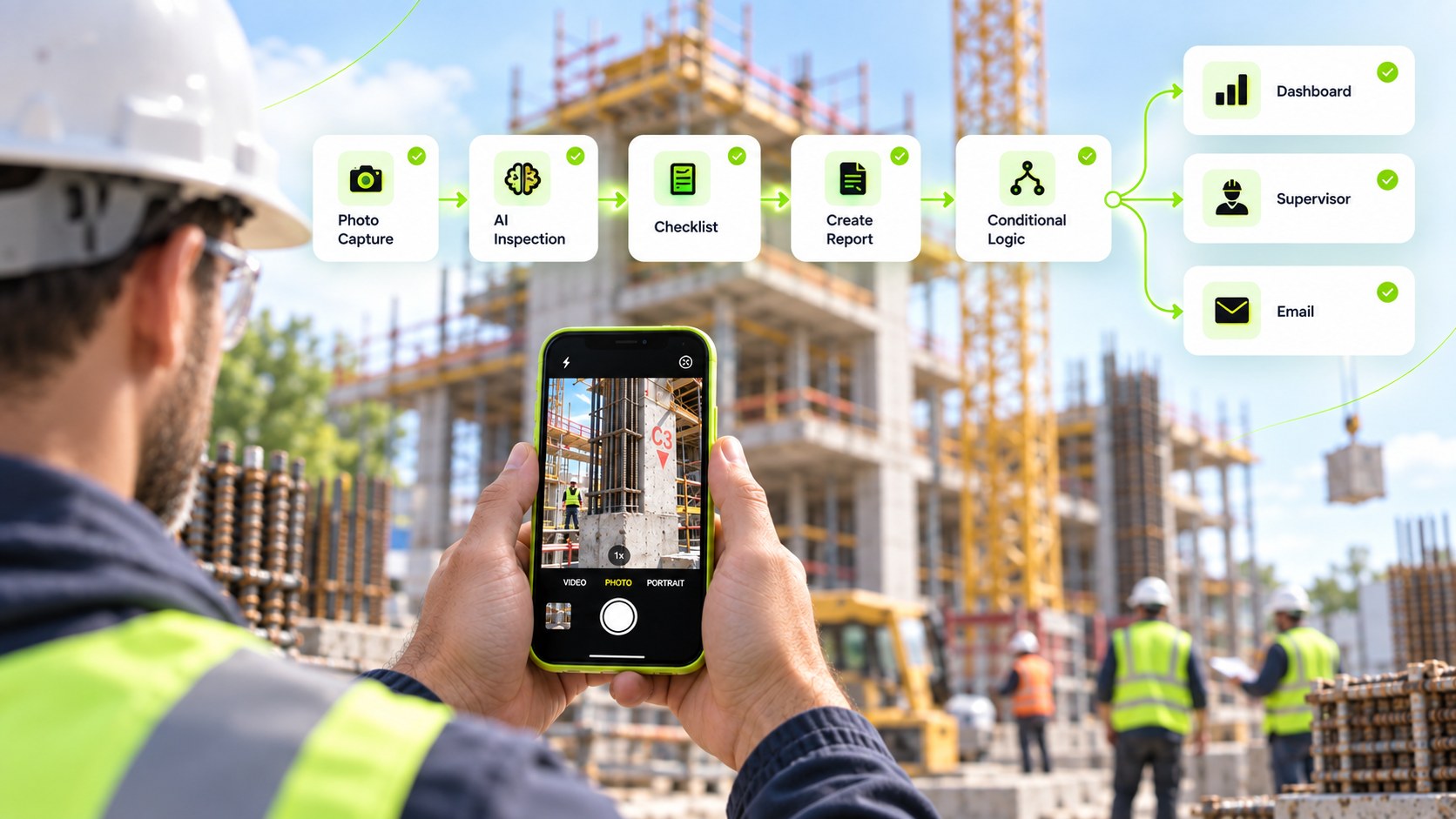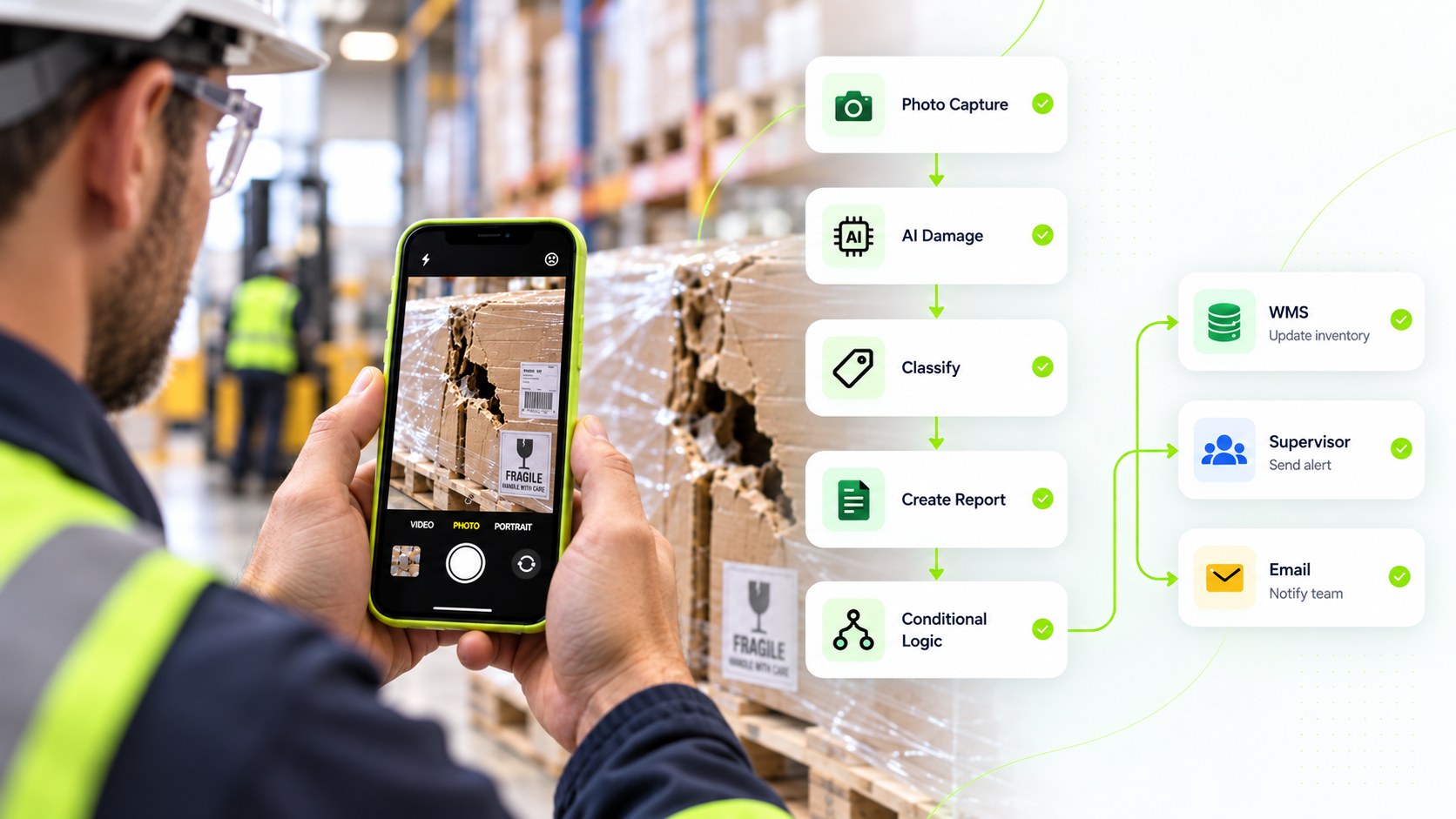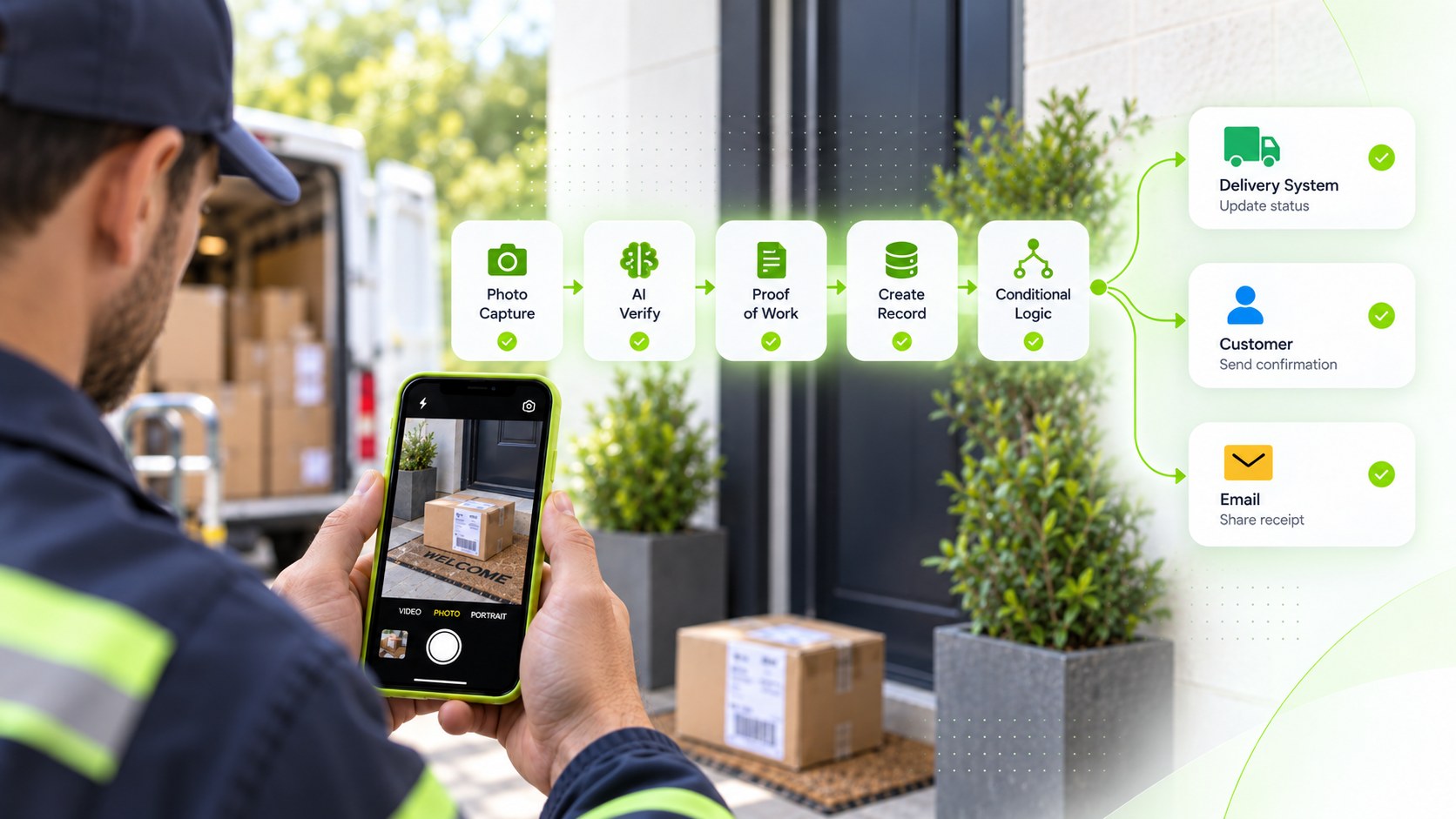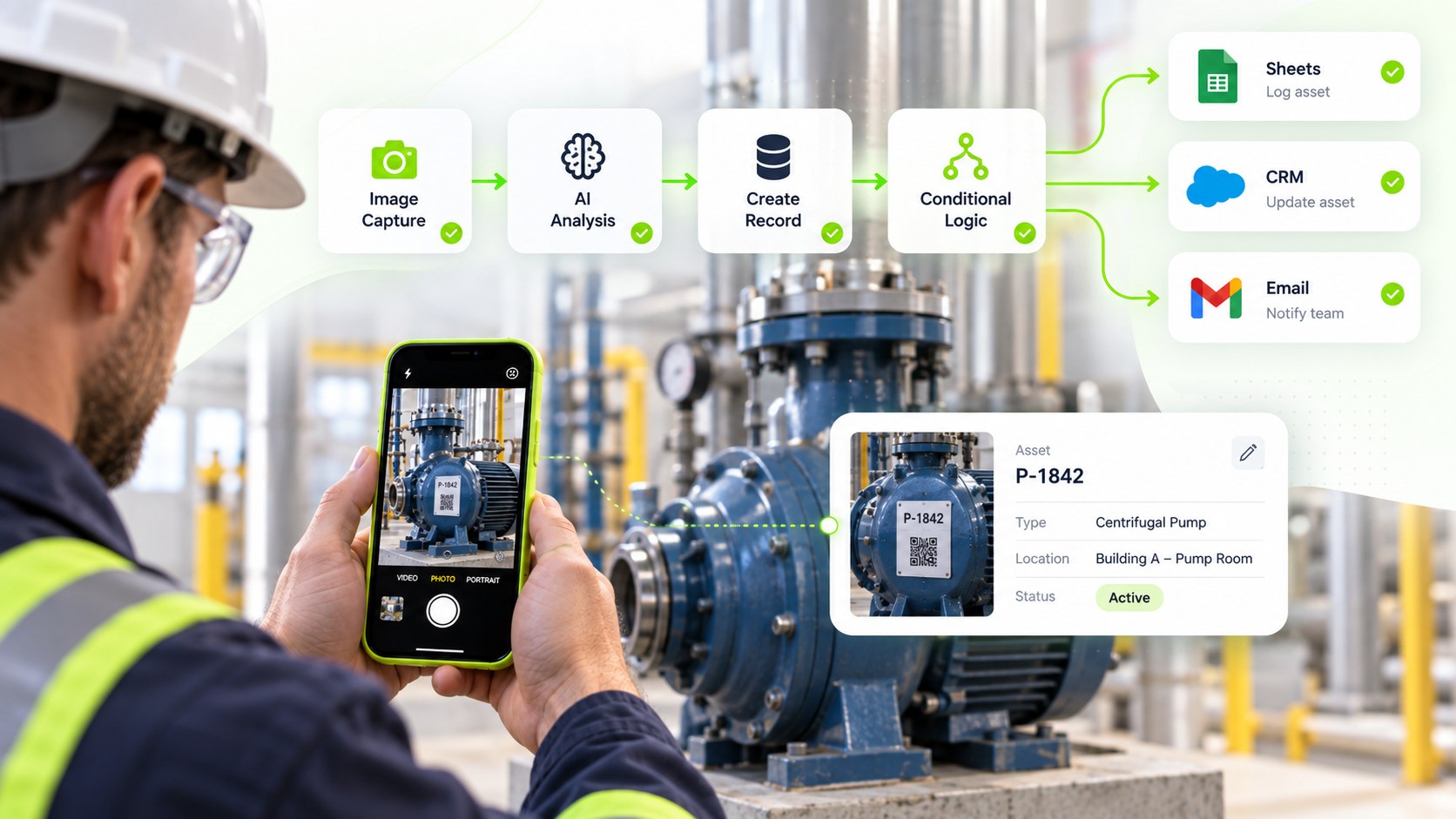
Capture on a phone. Finish in Sheets.

Build workflows of Photos, QR & AIthat run in the field.

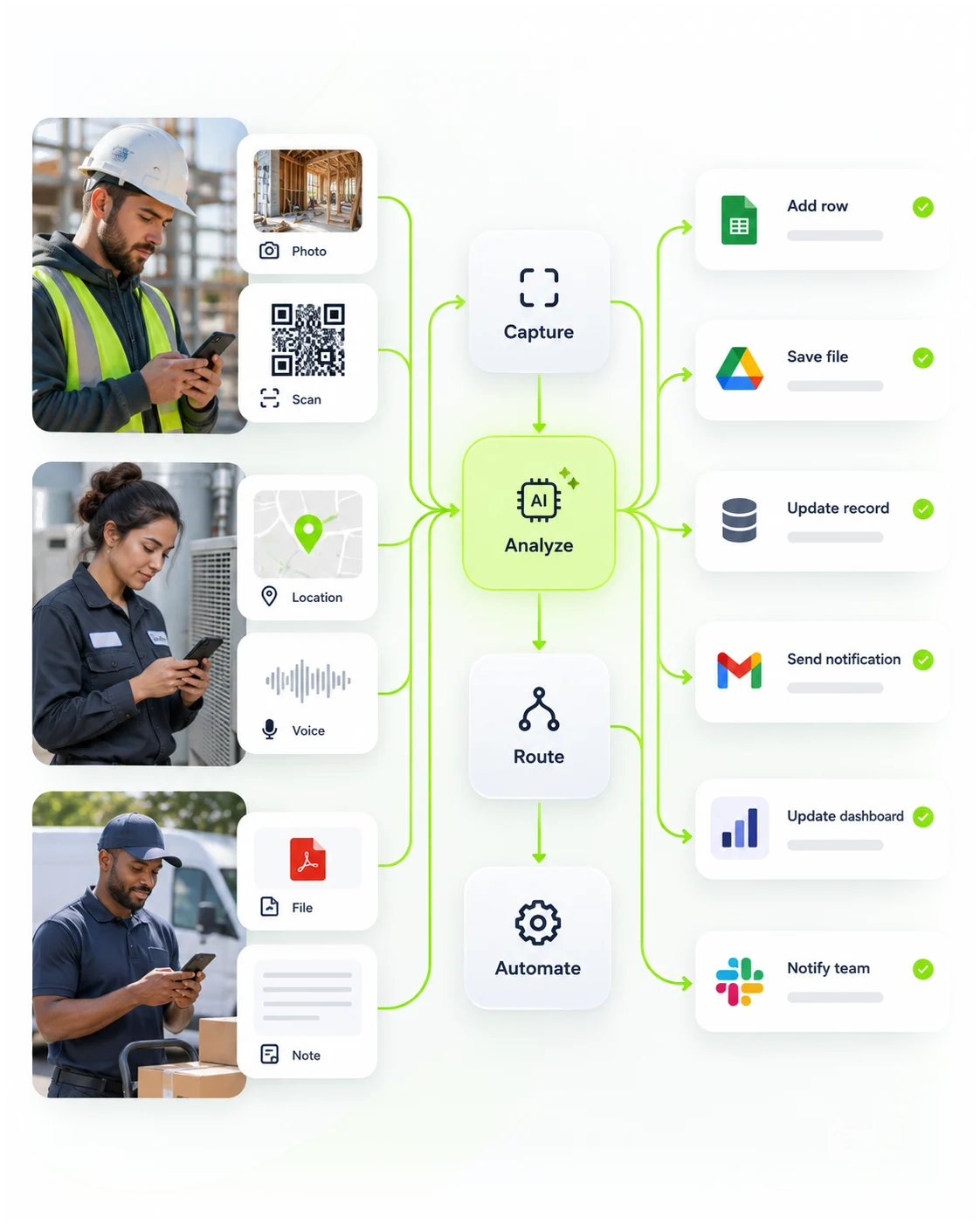
Create a workflow once. Anyone with an iPhone can trigger it from a QR code — capture, confirm, and land the result in the tools you already use.

Capture in the field

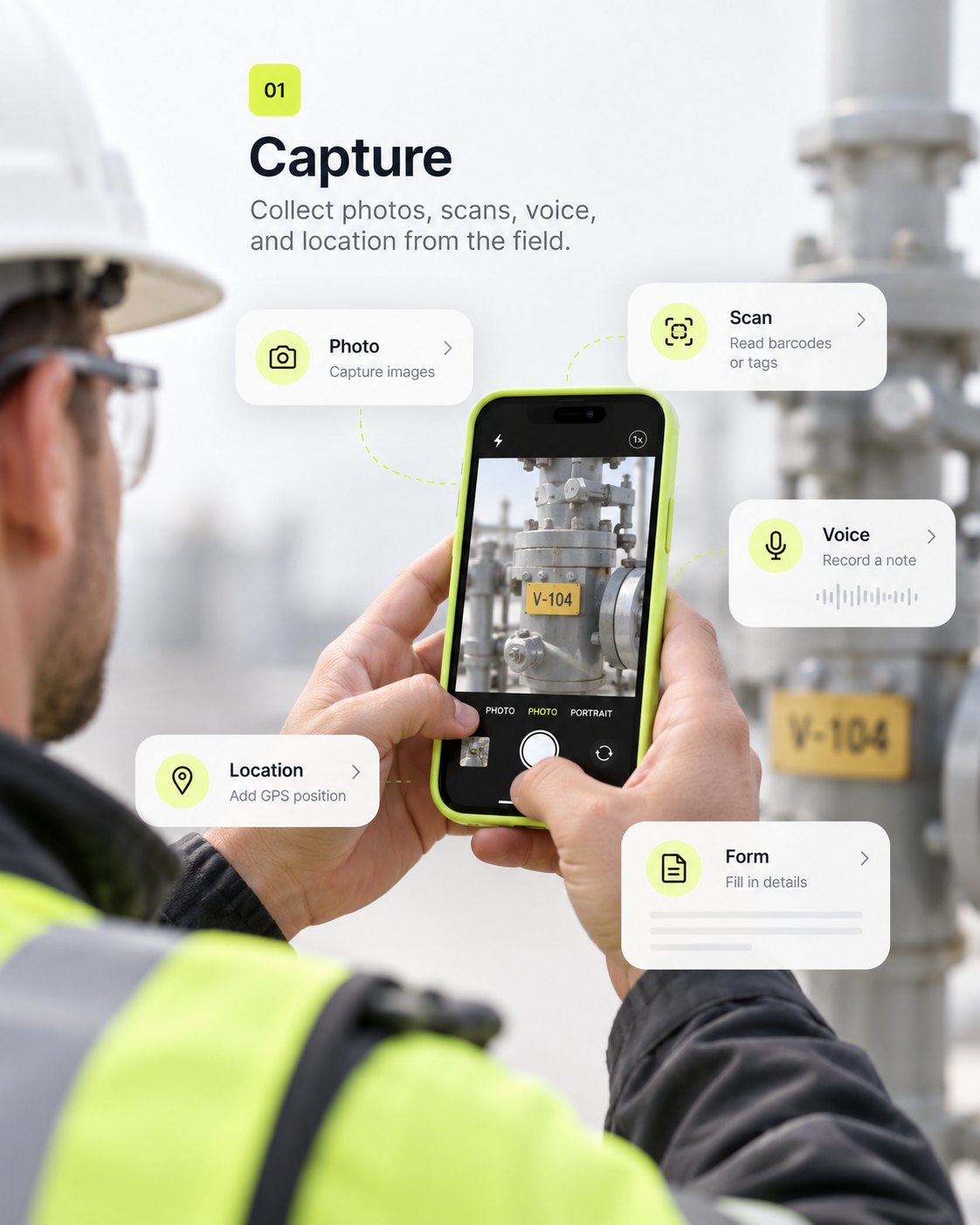
Photo, QR, voice, location, and signature — workers just answer in a conversation. No training on automation.

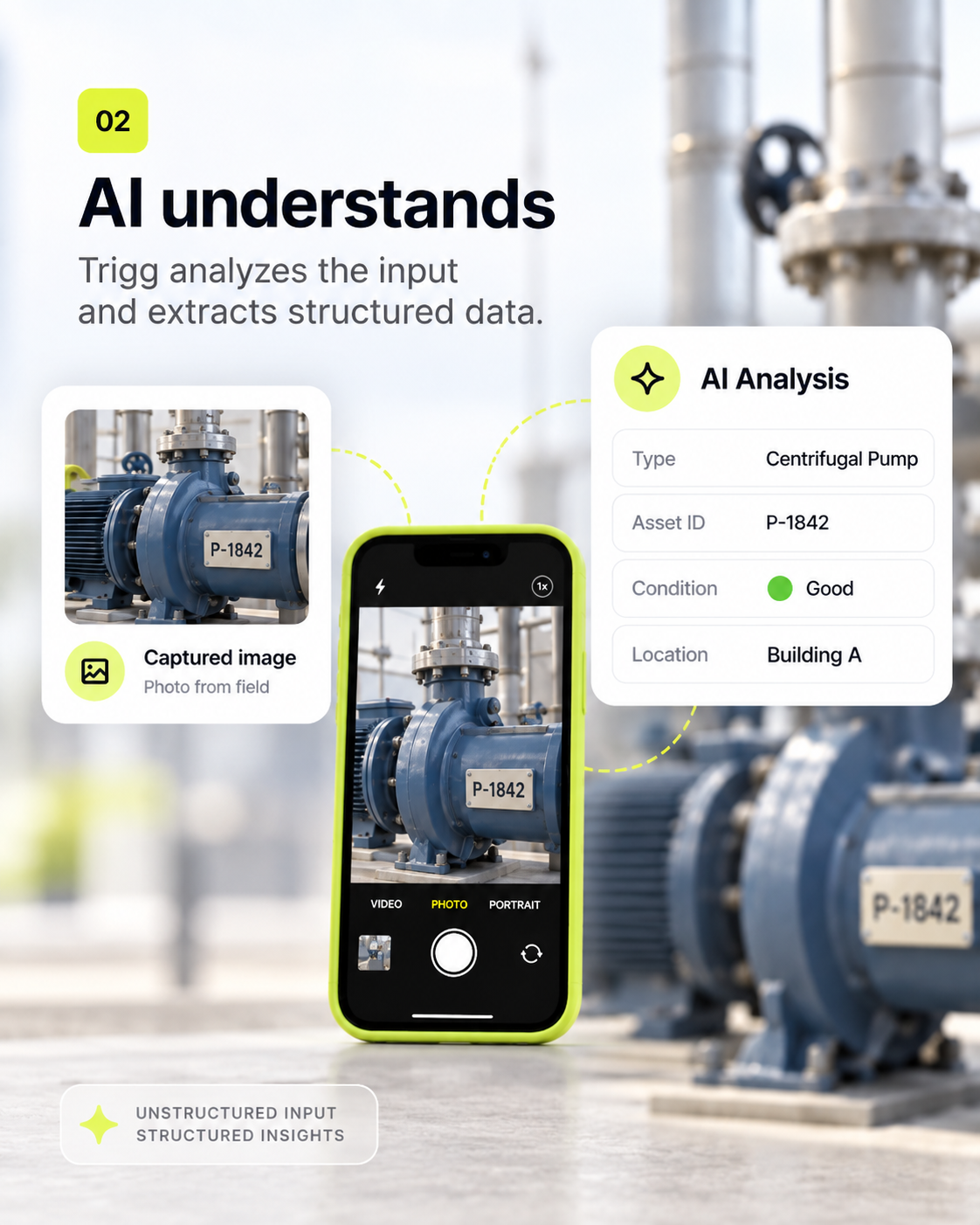
Process with AI

Image analysis, OCR, transcription, and structured extraction turn messy field input into rows you can trust.

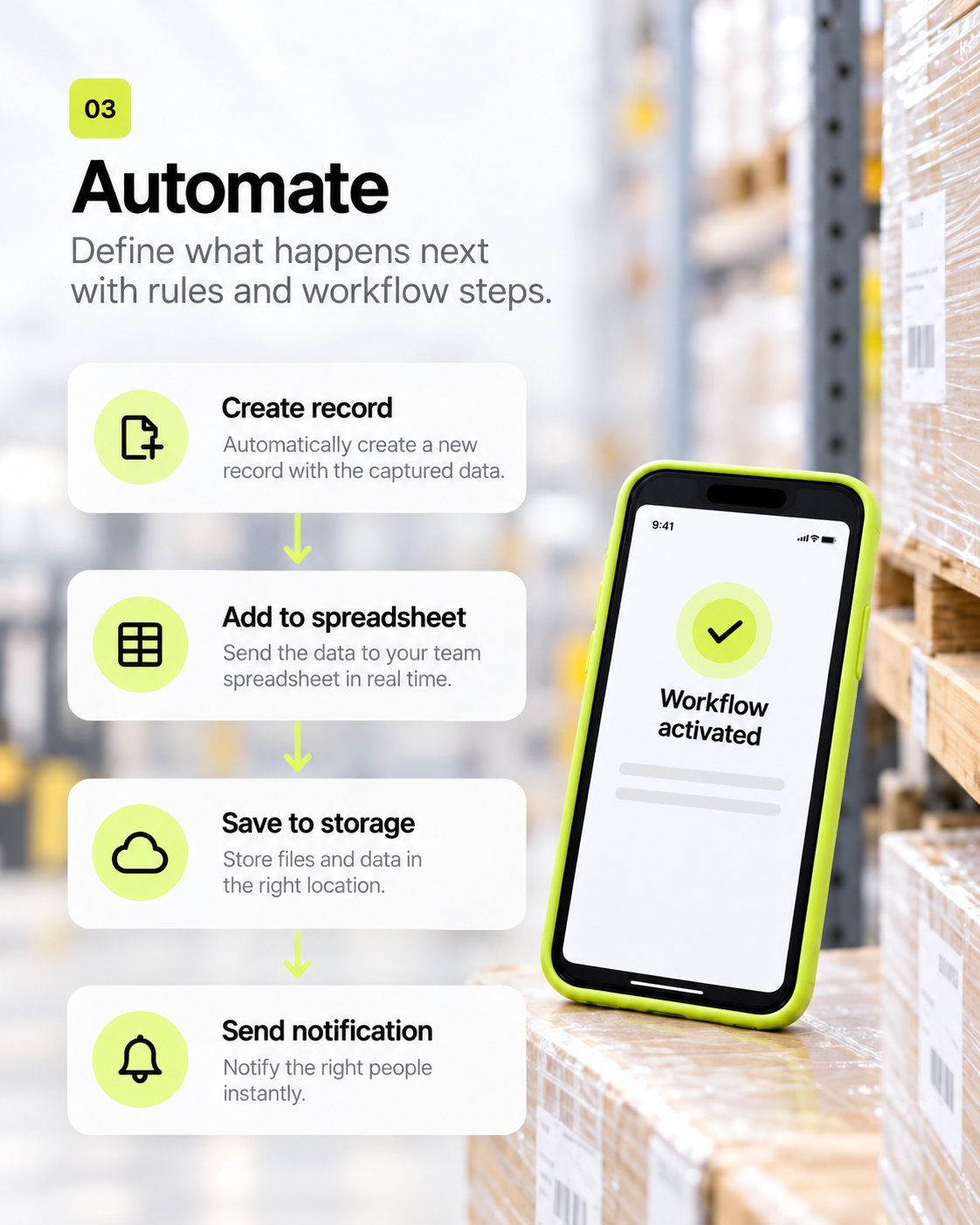
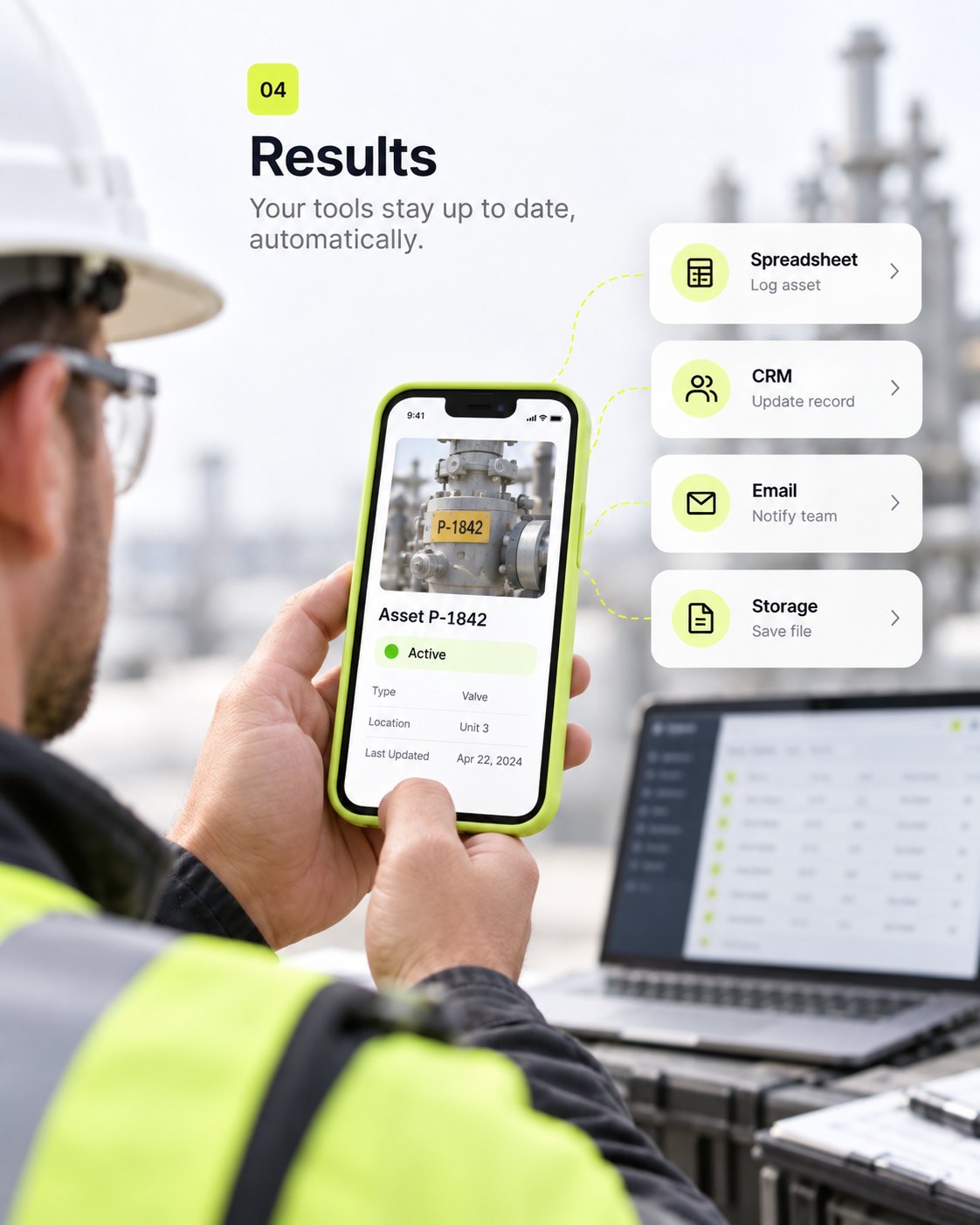
Land in your tools

Upload to Drive, add a Sheets row, write to Excel, send email, or hit a webhook — the iPhone never holds the keys.

9:41Trigg
Trigg

Take a photo of the asset

9:41Trigg
Trigg

Scan to start the workflow

9:41Trigg
Trigg

Here’s what I found

Here’s what I found

NameOffice chair
CategoryFurniture
ConditionGood
Edit · Confirm
9:41Trigg
Trigg

ASSET-1842 is registered

Done

ASSET-1842

Saved to Sheets · photo on Drive

9:41Trigg
Trigg

Take a photo of the asset

9:41Trigg
Trigg

Scan the machine code

9:41Trigg
Trigg

Describe what happened

Recording…

9:41Trigg
Trigg

Review the extracted fields

Here’s what I found

NameOffice chair
CategoryFurniture
ConditionGood
Edit · Confirm
9:41Trigg
Trigg

Stamp the job site

Warehouse B · Dock 3

Use this location
9:41Trigg
Trigg

What is its condition?

New
Good
Fair
Poor
9:41Trigg
Trigg

ASSET-1842 registered

Done

ASSET-1842

Saved to Sheets · photo on Drive

9:41Trigg
Trigg

Add a short note

Continue
9:41Trigg
Trigg

Take a photo of the asset

9:41Trigg
Trigg

Scan the machine code

9:41Trigg
Trigg

Describe what happened

Recording…

9:41Trigg
Trigg

Review the extracted fields

Here’s what I found

NameOffice chair
CategoryFurniture
ConditionGood
Edit · Confirm
9:41Trigg
Trigg

Stamp the job site

Warehouse B · Dock 3

Use this location
9:41Trigg
Trigg

What is its condition?

New
Good
Fair
Poor
9:41Trigg
Trigg

ASSET-1842 registered

Done

ASSET-1842

Saved to Sheets · photo on Drive

9:41Trigg
Trigg

Add a short note

Continue
Conversational field capture

Collect anything a phone already has

Each step is a message in a conversation — camera, scanner, mic, pin — not a 12-page form.

6
Mobile inputs
1
Conversation UI
QR
Launch anywhere

Photo

4 views · iPhone · Camera

Preview
9:41Trigg
Trigg

Take a photo of the asset

PhotoRequired

Asset photo

9:41Trigg
Trigg

Capture the finished work

PhotoProof

Before / after

9:41Trigg
Trigg

Document what you see

PhotoField

Damage evidence

9:41Trigg
Trigg

Or choose an existing image

PhotoOptional

Library pick

Starter workflows

Templates for work that happens on site

Asset registration, damage reports, and proof of work — the first vertical slice, not a huge node catalog.

3
Starter templates
QR
Invocation
iOS
Runner

Asset registration

4 views · Photo → AI → ID → Sheets

Preview
9:41Trigg
Trigg

Take a photo of the asset

Photo1

Ask for a photo

9:41Trigg
Trigg

Office chair · Furniture · Good

Here’s what I found

NameOffice chair
CategoryFurniture
ConditionGood
Edit · Confirm
AI2

Review what AI found

9:41Trigg
Trigg

Looks right — submit

New
Good
Fair
Poor
Choice3

Confirm & submit

9:41Trigg
Trigg

ASSET-1842 registered

Done

ASSET-1842

Saved to Sheets · photo on Drive

Done4

Asset ID returned

Actions stay on the server

Finish in the tools you already run

The iPhone captures. The executor writes to Sheets, Drive, Excel, email, or a webhook — credentials never leave the backend.

6
MVP actions
Org
Scoped connections
Log
Every run recorded

Google Sheets

4 views · Add a row

Preview
9:41Trigg
Trigg

ASSET-1842 written

Done

ASSET-1842

Saved to Sheets · photo on Drive

DoneSheets

New row

9:41Trigg
Trigg

Name, condition, photo URL

Here’s what I found

NameOffice chair
CategoryFurniture
ConditionGood
Edit · Confirm
AIData

Mapped fields

9:41Trigg
Trigg

Retries won’t duplicate

Done

ASSET-1842

Saved to Sheets · photo on Drive

DoneSafe

Idempotent

9:41Trigg
Trigg

Tokens stay server-side

Continue
StepOAuth

Org connection

Early access

Built with operations teams, not a public price yet

Book a demo

Tell us about the field workflow you want to run on iPhone.

Founding workspace

Direct access while we ship the vertical slice

  • Conversational iPhone runner
  • QR and link invocation
  • Photo, voice, QR, location inputs
  • AI image analysis & extraction
  • Sheets, Drive, Excel, email, HTTP
  • Execution history for every run

For operations teams?

Need asset registration, damage reports, or proof of work across a crew? Let’s talk.